Legacy projects often suffer from messy package dependencies: unused libraries, packages attached to the wrong projects, or code that relies on transitive dependencies instead of direct ones.
Visual Studio provides a straightforward way to remove unused packages:
-
Right-click the project.
-
Choose Remove Unused References…
-
Apply the suggested changes.
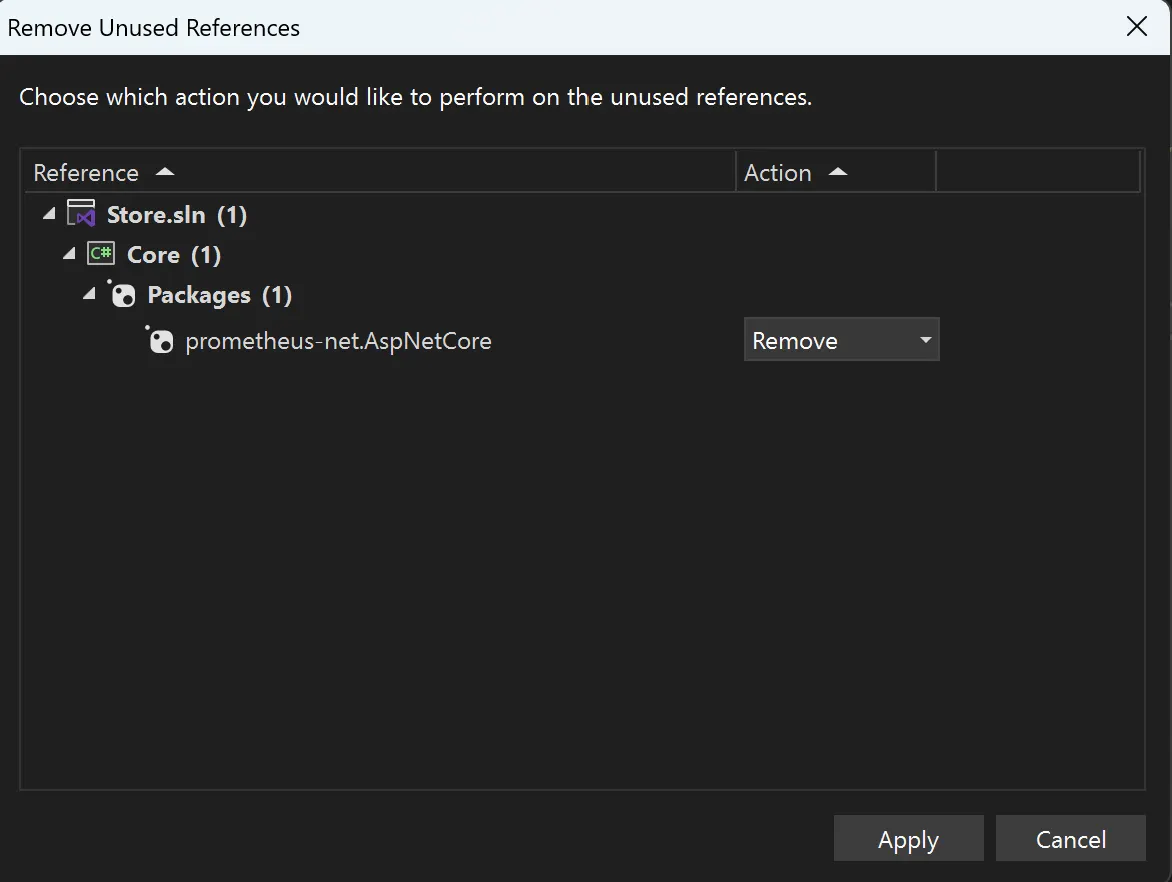
However, this action can lead to build errors. Why does this happen?
First Reason: A Package Is Referenced by the Wrong Project
A package can be referenced in one project but used in another dependent project. For example:
-
You have API and Core projects, where API depends on Core.
-
The
prometheus-net.AspNetCorepackage is mistakenly added to Core but is actually used only in API. -
After using Remove Unused References,
prometheus-net.AspNetCoreis removed from Core, causing build errors in API.
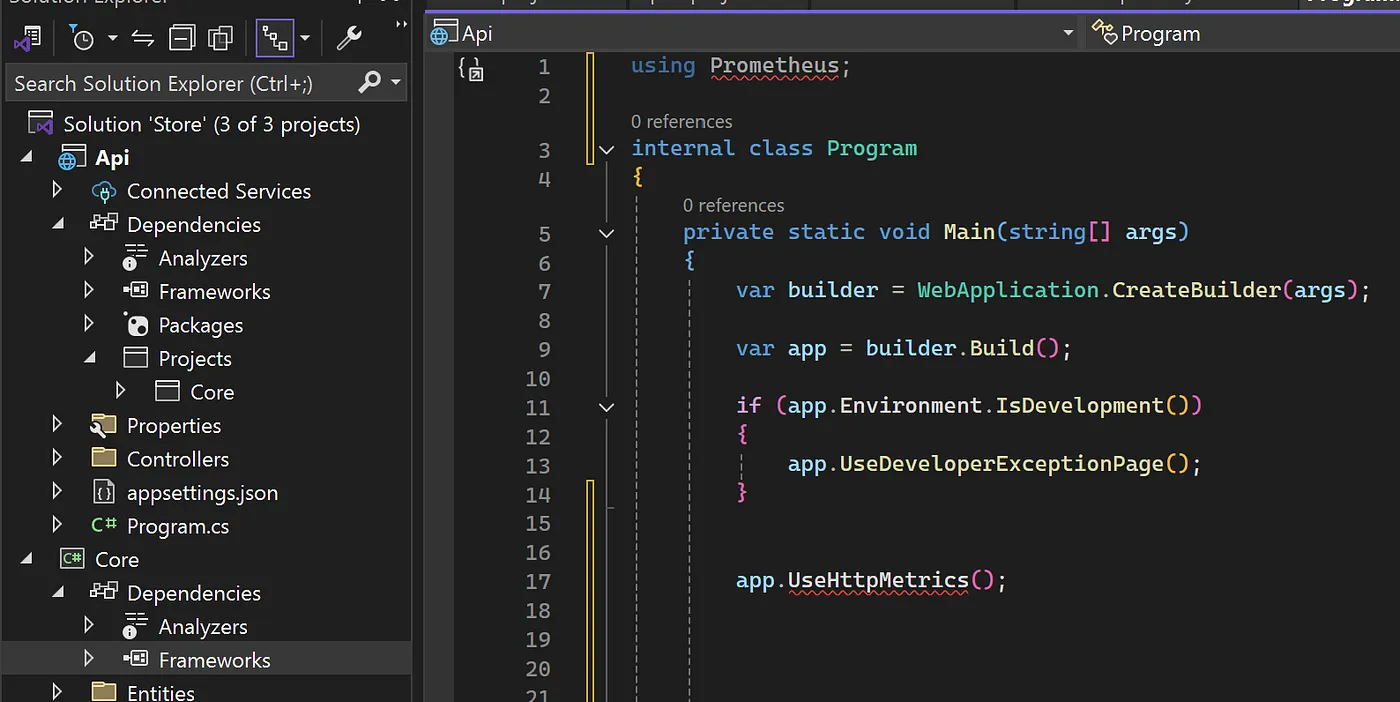
The solution is simple: install the necessary package directly in the API project. In Visual Studio, you can place the cursor on the unresolved reference and use Alt+Enter → Install package.
The project that uses a package should reference that package directly.
Second Reason: Code Relies on a Transitive Dependency
A project can also use types from a package that it never references directly. Instead, that package arrives as a dependency of another NuGet package.
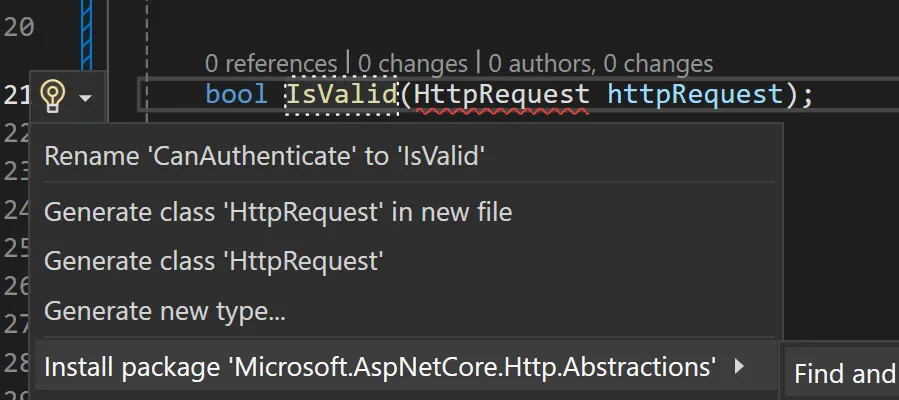
For example:
-
Your project directly references Package A.
-
Package A depends on Package B.
-
Your code uses types from Package B, even though the project file lists only Package A.
-
If Package A is detected as unused and removed, Package B disappears with it and the build fails.
The fix is to add Package B as a direct dependency of the project that uses it. This makes the real dependency explicit and prevents unrelated package cleanup or upgrades from breaking the build.
Conclusion
Adopting a structured approach to dependency management does more than remove unnecessary clutter. It makes ownership clear, reduces accidental coupling between projects, and makes the codebase easier to maintain.
After removing references, always rebuild the entire solution and add direct package references wherever the compiler reveals a hidden dependency.